When the Real World Becomes a Digital Asset

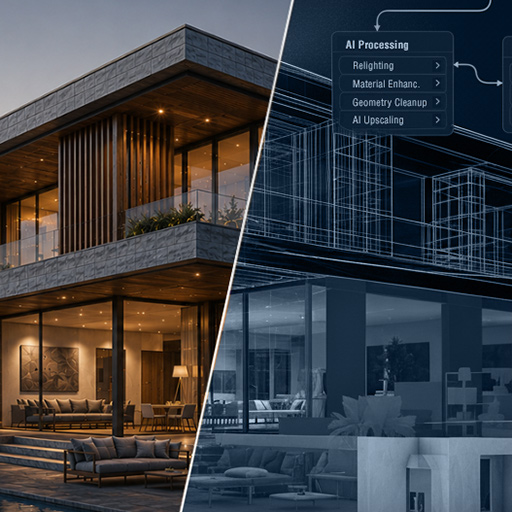
A new article has just been published on the Spline Dynamics blog exploring one of the most important transformations currently taking place in computer graphics and digital content creation.
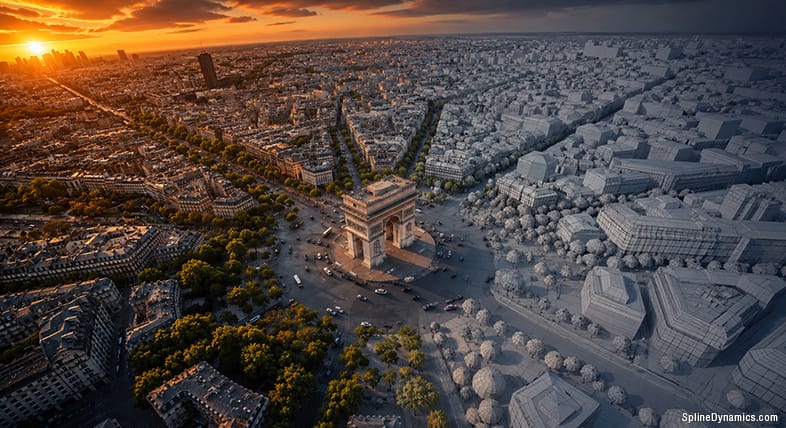
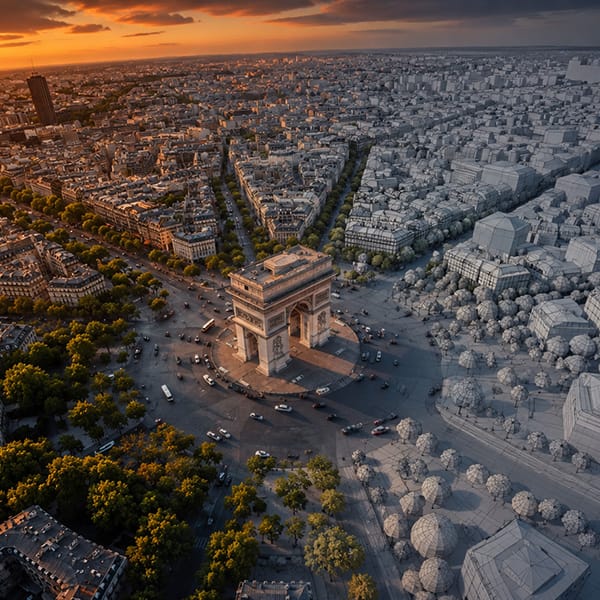
Over the last two decades, creating 3D assets has largely been a manual process. Today, advances in reality capture, AI-assisted reconstruction, photogrammetry, LiDAR, Gaussian Splatting and geospatial technologies are changing that paradigm. Increasingly, entire objects, buildings and even cities can be captured directly from the physical world and transformed into digital assets.

The article examines how these technologies are converging, the emergence of digital twins, the growing relationship between reconstruction and generation, and how the role of CG artists is evolving from manual asset creation toward curation, editing and pipeline integration.

Read the full article:
https://www.splinedynamics.com/blog/when-the-real-world-becomes-a-digital-asset/

Share

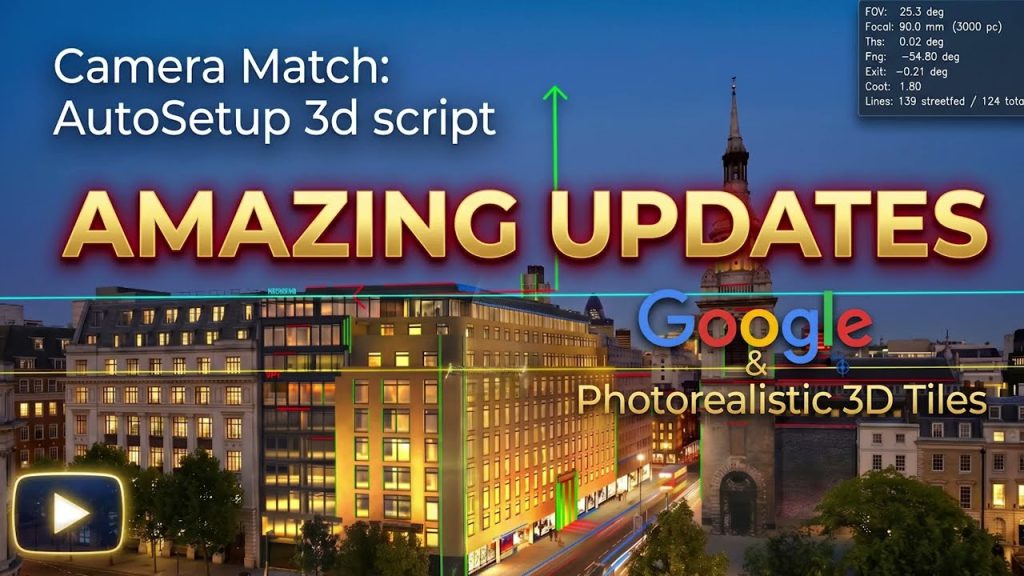
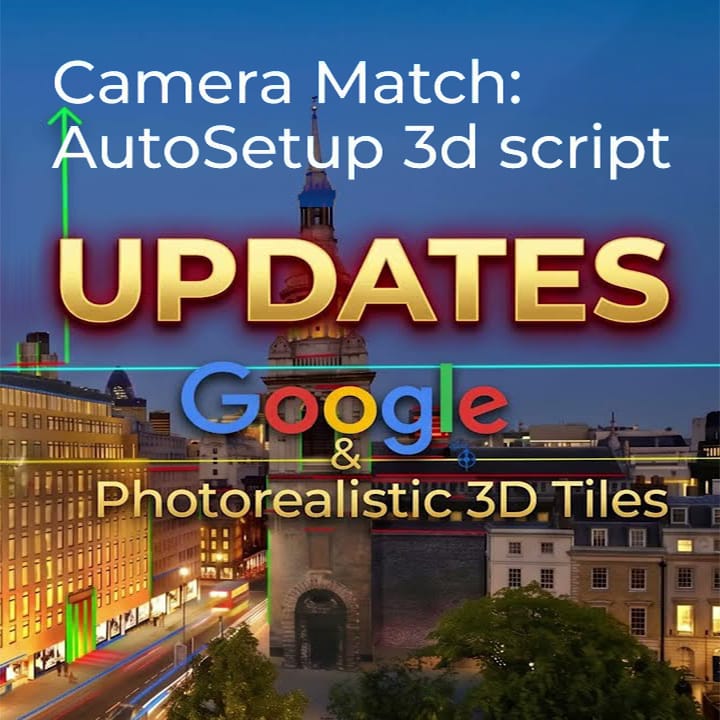
CameraMatch AutoSetup Adds Google Photorealistic 3D Tiles Integration

Jamie Cardoso has released a major update to his CameraMatch AutoSetup toolset for 3ds Max, Blender and SketchUp, with the headline feature being deep integration with Google Photorealistic 3D Tiles — the same photogrammetric mesh used by Google Earth, now importable directly into your 3D scene.

What’s New

  • Google Photorealistic 3D Tiles: Fetch real, accurate textured 3D models of any location straight into your scene (requires a free Google Cloud API key). New fine-tuning controls — Max Screen Space Error and Max Tile Depth — let you balance model detail against compute time.
  • GeoBuild + OpenStreetMap: Import OSM data to retrieve building outlines, heights and names in seconds for fast massing (note: roughly 5–10m offset, so Google Tiles win on precision).
  • Cropped Photo Tool: Got a pre-cropped image with distortion? Pick a horizon, extend the frame, and recover an accurate camera match.
  • Scene Scale Calculator: Read a real building’s height, apply it to the VP box, and your scene units update automatically to match the real world.

All of this builds on the core engine that already handles automatic vanishing-point detection, camera alignment, and the VP Verified Box for sanity-checking against real structures in your reference photo.

Compatible with: 3ds Max 2020+, Blender, SketchUp (GeoBuild and DroneSiteBuilder not yet available for SketchUp) — V-Ray, Corona, Arnold, Scanline, ART. Cinema 4D version in development.

The Three Licence Tiers — What’s Included

This is one integrated toolset sold across three licence levels. Here’s exactly what each one gives you:

Individual Freelancer/Hobbyist — $75

Includes CameraMatch AutoSetup + GeoBuild.

  • Single workstation, personal use
  • Full VP detection, horizon line, Cropped Photo Tool, Background Mode, FBX export, Scene Scale Calculator, renderer-aware camera creation, Camera Transplant, and more
  • GeoBuild: build a geo-referenced scene (terrain, satellite drape, OSM buildings/roads, land features) from an address or bounding box
  • Lifetime access to v6 updates

👉 Get the Individual Freelancer Licence

Small Studio (up to 5 users) — $99

Includes CameraMatch AutoSetup + GeoBuild + DroneSiteBuilder Enterprise.

  • Up to 5 named workstations, priority email support
  • Everything in the Freelancer tier, plus DroneSiteBuilder Enterprise: drop a folder of drone photos in, and get a complete 3D site (cameras + terrain + OSM context + optional Google 3D Tiles) in about 90 seconds
  • All platforms: 3ds Max, Blender, SketchUp editions

👉 Get the Small Studio Licence

Enterprise/Corporate (Tier 1 Firms) — $850

Includes CameraMatch AutoSetup + GeoBuild + DroneSiteBuilder Enterprise.

  • Unlimited seats, site-wide deployment
  • Priority support + Q&A access
  • One year of bespoke development of additional 3D tools/scripts tailored to your studio’s workflow
  • Full feature set + DroneSiteBuilder Enterprise, same as Small Studio, scaled for large firms

👉 Get the Enterprise Licence

Quick Reference

TierCameraMatch AutoSetupGeoBuildDroneSiteBuilder
Individual Freelancer
Small Studio
Enterprise

If you only need camera matching and basic geo-context building for solo work, the Individual Freelancer licence covers it. If you work with drone photography and want full automated site assembly, you’ll need the Small Studio licence or above.

Free manual available for download on Jamie Cardoso’s blog.


Spline Dynamics is an affiliate partner for these tools via Gumroad.

Share

New Article: AI-Assisted ArchViz: Beyond the Hype

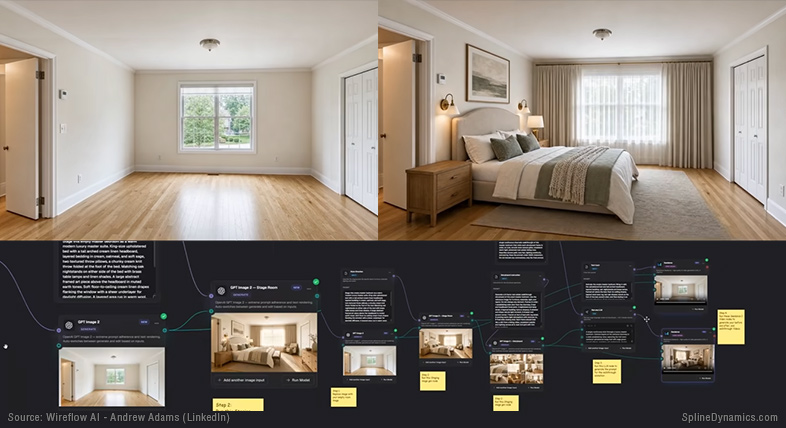
We have published a new long-form editorial article exploring how AI is beginning to reshape real Architectural Visualization production workflows beyond the social media hype.

Titled “AI-Assisted ArchViz: Beyond the Hype”, the article examines the rise of hybrid production pipelines, AI-assisted workflow automation, realtime rendering ecosystems, technical artists, image-to-3D tools, and the growing role of AI-enhanced production layers inside modern ArchViz workflows.

Rather than focusing on tool lists or exaggerated predictions, the article takes a grounded and production-oriented perspective on how AI is actually integrating into real-world CG pipelines — including both its current strengths and its practical limitations.

The article also explores emerging trends around 3ds Max workflows, ComfyUI experimentation, AI-assisted scripting, custom tool development, and the evolving relationship between artists, automation and realtime production technologies.

Read the full article here.

Share

Use Cryptomatte Masks in Any Image Editor — Without Photoshop

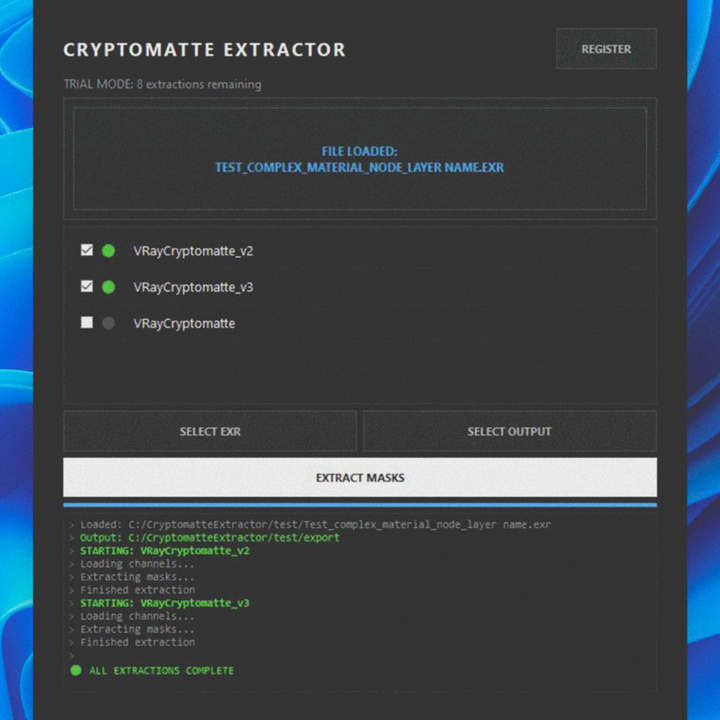
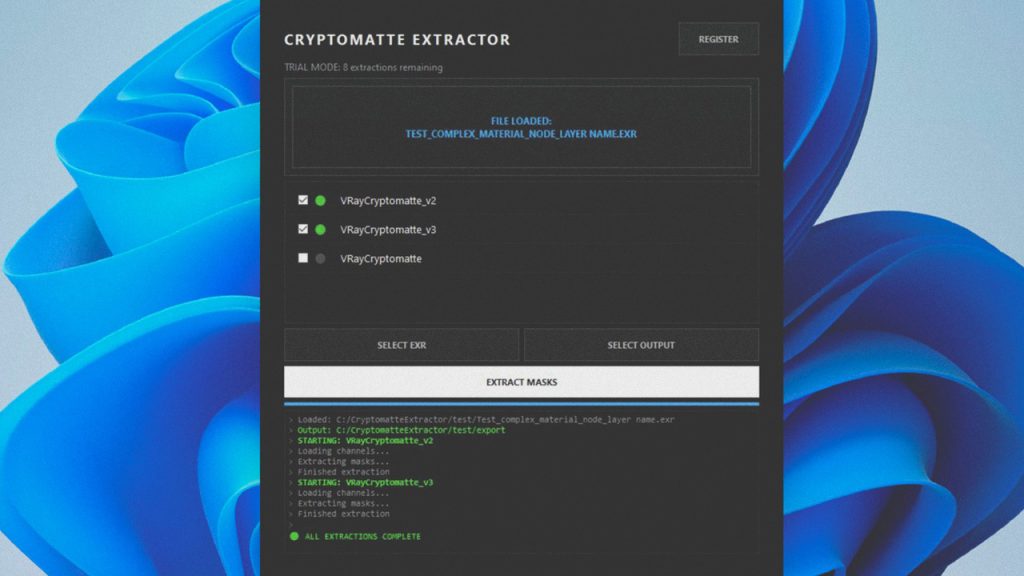
Cryptomatte Extractor - Extract EXR masks to work in any image editor.

For years, Photoshop + Exr-IO became the standard workflow for working with Cryptomatte masks in ArchViz and VFX production.

But many artists today use alternative image editors, lightweight workflows, or simply prefer standalone tools over subscription-based ecosystems.

That’s what makes this new utility especially interesting.

What is Cryptomatte Mask Extractor?

Cryptomatte Mask Extractor is a standalone Windows application that extracts Cryptomatte masks directly from EXR files and exports them as clean PNG masks ready to use in virtually any image editor.

That includes: Photopea, GIMP, Krita, Pixlr, Darktable, Affinity, Photoshop, and many others.

The workflow is intentionally simple:
drag & drop your EXR, select the Cryptomatte layers you want, and export the masks instantly.

Key Features

  • Drag & drop workflow
  • Fast object/material mask extraction
  • Automatic Cryptomatte manifest scanning
  • Clean anti-aliased PNG masks
  • Batch extraction
  • Organized subfolder output
  • Smart versioning system
  • Optimized for large EXR files
  • Artist-friendly interface

If you work with Corona Renderer, V-Ray, Blender, Arnold, Redshift, Octane, or Unreal Engine, this tool gives you a fast and flexible way to bring Cryptomatte workflows into almost any compositing or image-editing pipeline.

What started as a personal workaround by a 3D artist turned into a practical production tool for the broader CG community.

The software includes a free trial with 10 extractions available before activation.

Get it on Gumroad: Cryptomatte Mask Extractor

Share

Introducing Scene Optimization Toolkit for 3ds Max

Working with heavy scenes in 3ds Max often means dealing with slow viewports, high memory usage, and long rendering times. These issues can interrupt your workflow and limit productivity, especially in projects with dense geometry, large textures, or multiple scenes to render.

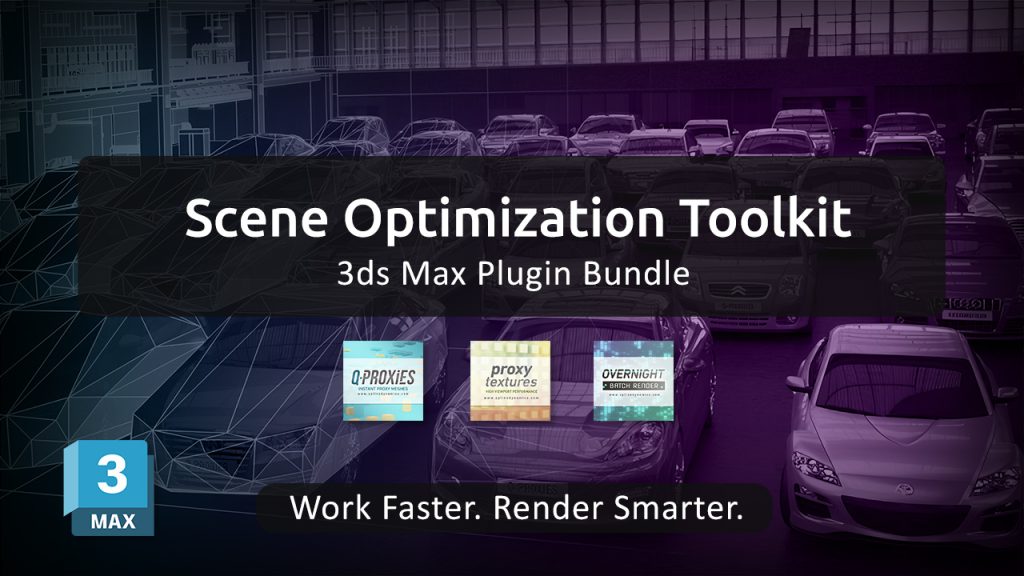
To address these challenges, we’re introducing the Scene Optimization Toolkit — a bundle of three specialized plugins designed to optimize performance across the entire workflow.

Instead of focusing on a single bottleneck, this toolkit provides a complete optimization pipeline:

Q-Proxies
Convert high-poly geometry into lightweight, renderer-independent proxies. This allows you to keep your scenes responsive while working, without affecting final render quality.

Proxy Textures
Create lower-resolution versions of your textures to reduce memory usage and improve viewport performance, especially in scenes with large environments or extensive material libraries.

Overnight Batch Render
Automate the rendering of multiple scenes, cameras, or states. Set up your render queue and let your machine process everything sequentially, saving time and avoiding manual intervention.

Together, these tools target the three main sources of slowdowns in 3ds Max:
geometry complexity, memory consumption, and rendering workflow inefficiencies.

The result is a smoother, more efficient workflow that allows you to handle complex scenes with greater control and stability — without compromising output quality.

The Scene Optimization Toolkit is currently available with a 30% discount compared to purchasing each plugin individually, making it a practical solution for artists and studios looking to streamline their production process.

Learn more and get the toolkit: https://www.splinedynamics.com/scene-optimization-toolkit/

Share