For years, Photoshop + Exr-IO became the standard workflow for working with Cryptomatte masks in ArchViz and VFX production.
But many artists today use alternative image editors, lightweight workflows, or simply prefer standalone tools over subscription-based ecosystems.
That’s what makes this new utility especially interesting.
What is Cryptomatte Mask Extractor?
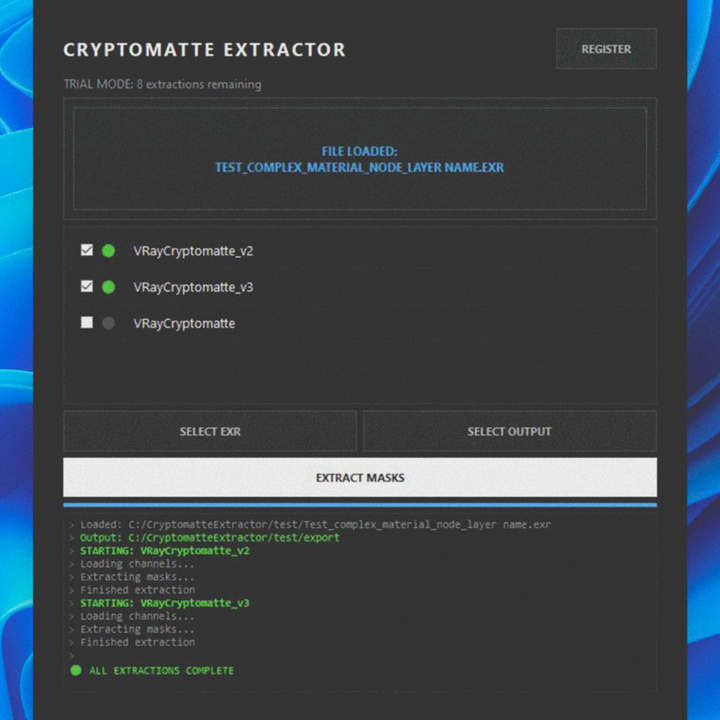
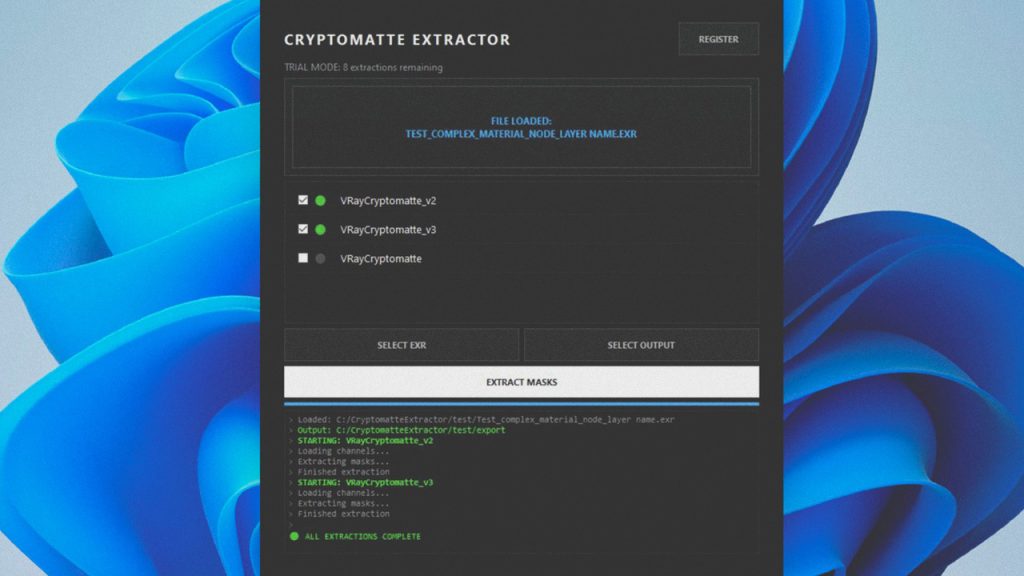
Cryptomatte Mask Extractor is a standalone Windows application that extracts Cryptomatte masks directly from EXR files and exports them as clean PNG masks ready to use in virtually any image editor.
That includes: Photopea, GIMP, Krita, Pixlr, Darktable, Affinity, Photoshop, and many others.
The workflow is intentionally simple:
drag & drop your EXR, select the Cryptomatte layers you want, and export the masks instantly.
Key Features
- Drag & drop workflow
- Fast object/material mask extraction
- Automatic Cryptomatte manifest scanning
- Clean anti-aliased PNG masks
- Batch extraction
- Organized subfolder output
- Smart versioning system
- Optimized for large EXR files
- Artist-friendly interface
If you work with Corona Renderer, V-Ray, Blender, Arnold, Redshift, Octane, or Unreal Engine, this tool gives you a fast and flexible way to bring Cryptomatte workflows into almost any compositing or image-editing pipeline.
What started as a personal workaround by a 3D artist turned into a practical production tool for the broader CG community.
The software includes a free trial with 10 extractions available before activation.
Get it on Gumroad: Cryptomatte Mask Extractor
