Working with heavy scenes in 3ds Max often means dealing with slow viewports, high memory usage, and long rendering times. These issues can interrupt your workflow and limit productivity, especially in projects with dense geometry, large textures, or multiple scenes to render.
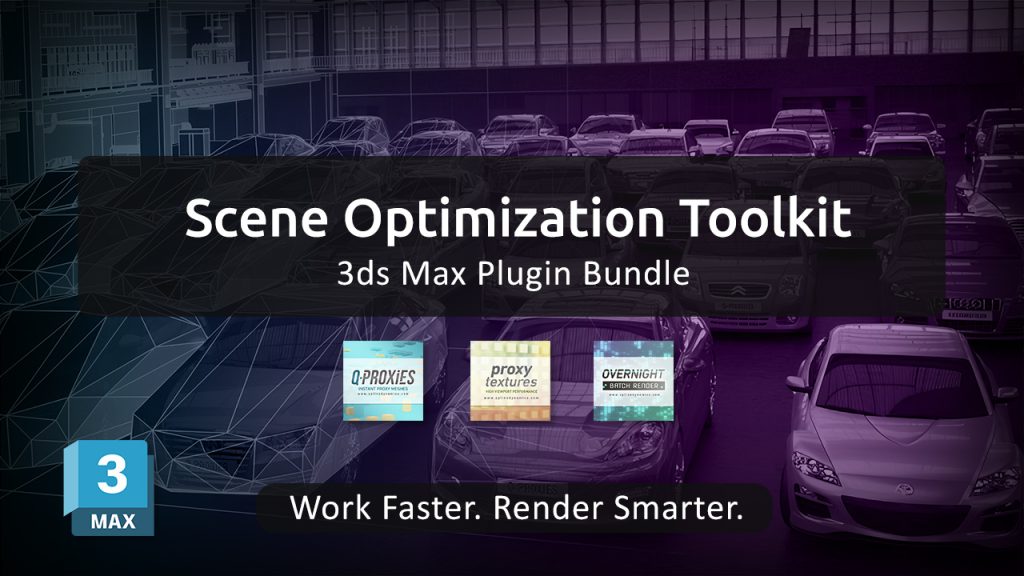
To address these challenges, we’re introducing the Scene Optimization Toolkit — a bundle of three specialized plugins designed to optimize performance across the entire workflow.
Instead of focusing on a single bottleneck, this toolkit provides a complete optimization pipeline:
Q-Proxies
Convert high-poly geometry into lightweight, renderer-independent proxies. This allows you to keep your scenes responsive while working, without affecting final render quality.
Proxy Textures
Create lower-resolution versions of your textures to reduce memory usage and improve viewport performance, especially in scenes with large environments or extensive material libraries.
Overnight Batch Render
Automate the rendering of multiple scenes, cameras, or states. Set up your render queue and let your machine process everything sequentially, saving time and avoiding manual intervention.
Together, these tools target the three main sources of slowdowns in 3ds Max:
geometry complexity, memory consumption, and rendering workflow inefficiencies.
The result is a smoother, more efficient workflow that allows you to handle complex scenes with greater control and stability — without compromising output quality.
The Scene Optimization Toolkit is currently available with a 30% discount compared to purchasing each plugin individually, making it a practical solution for artists and studios looking to streamline their production process.
Learn more and get the toolkit: https://www.splinedynamics.com/scene-optimization-toolkit/
