Posted on Leave a comment

Hierarchy Guardian for 3ds Max – Getting Started Tutorial

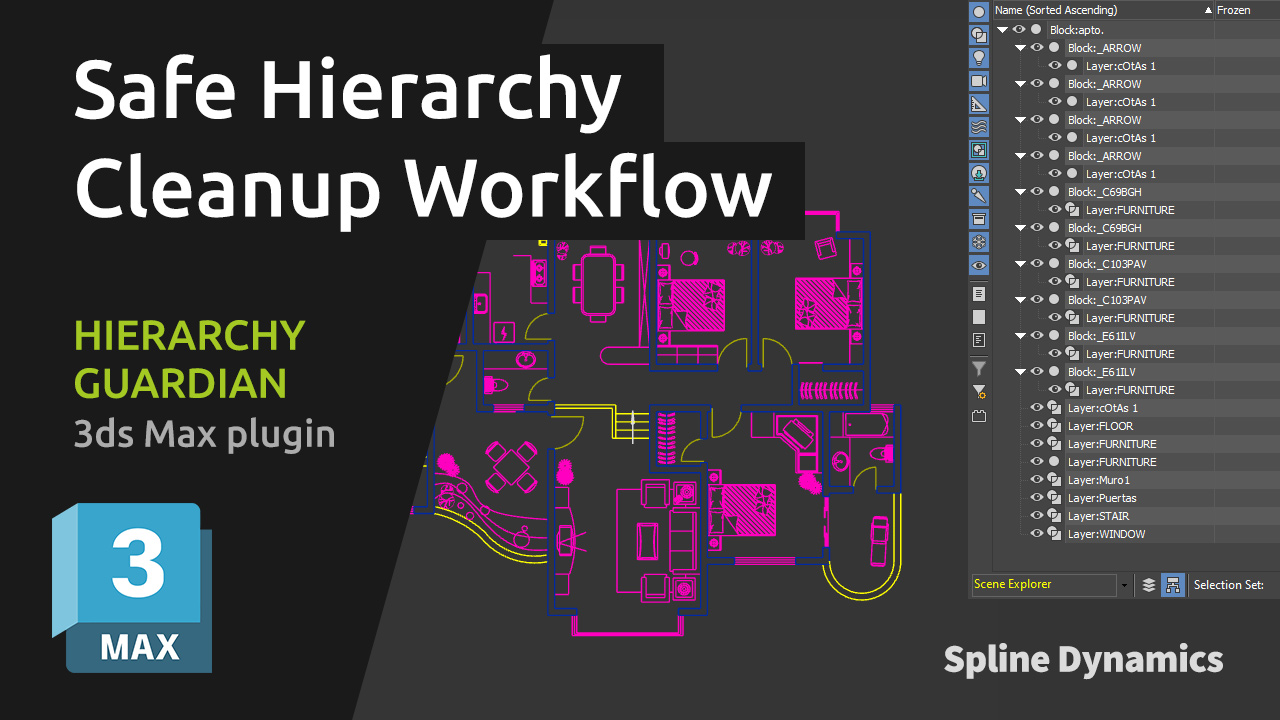
This introductory tutorial shows the basic workflow of Hierarchy Guardian, a professional tool for analyzing and cleaning complex scene hierarchies in 3ds Max.

Imported CAD, Revit, BIM, or SketchUp scenes often contain deep hierarchy structures, CAD blocks, negative scale issues, duplicate names, and unnecessary layers. These problems can make scenes difficult to manage and may cause unexpected issues later in the production pipeline.

In this tutorial, you will learn how to analyze an imported scene, review the cleanup report, and safely simplify the hierarchy using Hierarchy Guardian’s analysis-driven workflow while preserving object transforms and scene integrity.

Share
Posted on Leave a comment

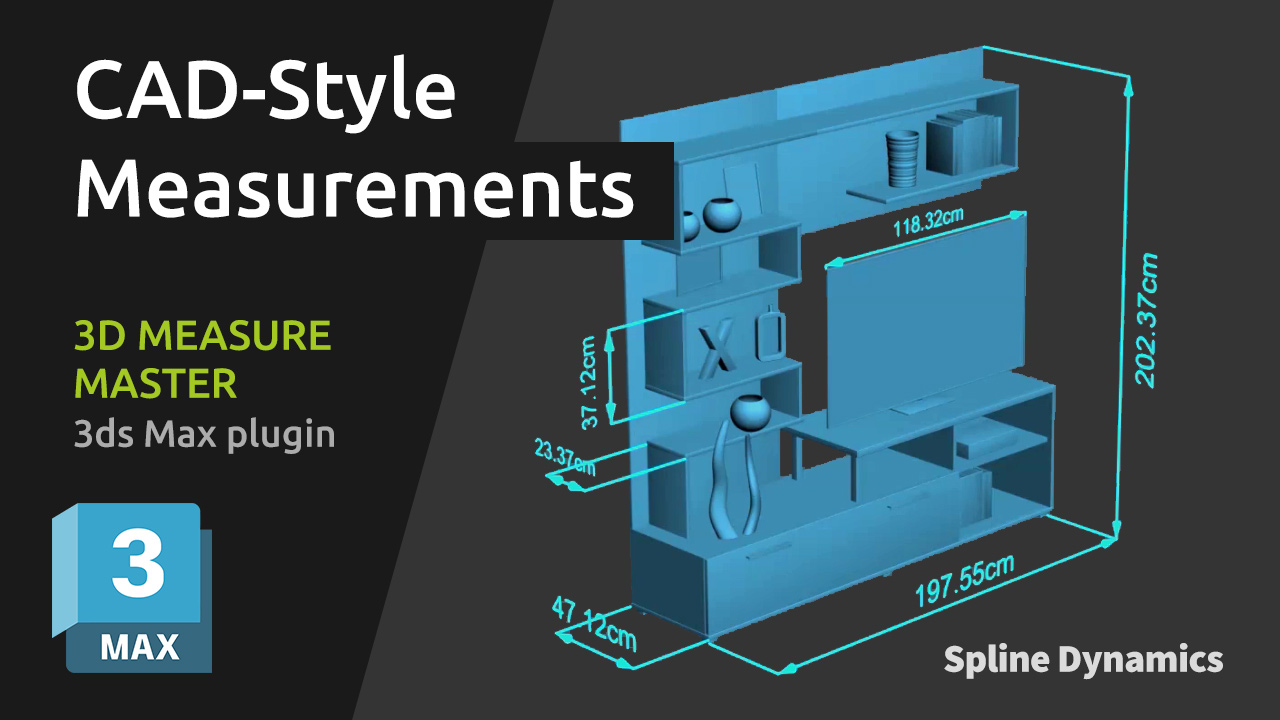
3D Measure Master – Complete Tutorial

This comprehensive tutorial will guide you through every feature of 3D Measure Master, the professional 3ds Max plugin for CAD-style 3D measurements.

You’ll learn how to use the 5 main measurement tools — Tape, Angle, Radius, Diameter, and Bounding Box — to measure objects directly in your scene with real 3D precision.
The tutorial also explains how to adjust global settings (colors, units, spline thickness, text size, text offset and end markers), how to customize per-measure parameters, and how to export all your measurements to a CSV file for documentation or review.

Whether you’re an architectural visualizer, technical modeler, or product designer, this video will help you integrate accurate, clean, and renderable measurements into your 3ds Max workflow.

For a detailed explanation of every tool and parameter, please read the plugin documentation.

Share
Posted on Leave a comment

SuperHelix: Quick Video Tutorial Series

SuperHelix is one of the most versatile plugins for 3ds Max, designed to simplify the creation of complex helix-based shapes and procedural structures. To help you maximize its potential, we’ve compiled a series of five video tutorials that cover everything from quick-start basics to advanced practical examples.

Mastering the Gizmo to Shape Custom Helical Splines

Discover how to manipulate the SuperHelix gizmo in 3ds Max to craft various helical shapes and volumes. The gizmo in SuperHelix is an essential tool that offers a live preview of complex helix splines, letting you control everything from the overall flow to individual sections’ size and torsion. Learn to use the Root Helper, Main Path, and Section Controls to create custom helix designs perfect for Motion Graphics, 3D modeling, and animation paths.

Understanding the UI and Key Parameters for Helix Creation

Get a complete overview of the SuperHelix plugin UI in 3ds Max, exploring each parameter to create complex, custom helical splines. Learn how to use presets, manage gizmos, control helix turns and resolution, and apply custom paths. This detailed guide shows how each UI feature works, from setting the curve type to adjusting rotation, adding noise, and even cloning helixes around your chosen path.

Exploring Presets to Create Helical Objects

Explore the presets included in the SuperHelix plugin for 3ds Max to create unique helical spline objects. From springs and cartoon tornadoes to intricate shapes like a ball of wool and a Chinese pagoda, these presets offer an excellent starting point to master SuperHelix. Learn how each preset utilizes different parameters and gizmo structures to achieve specific effects, and see how easy it is to create complex, organic, or geometric shapes with just a few adjustments.

Create a Woven Wicker Basket using Presets

Learn how to create a realistic woven wicker basket using spline curves. Use SuperHelix presets to set up the basis of a basket model entirely made of spline curves. Adjuste the general shapes and gizmos to form the different parts of the basket. Learn tips for creating multiple helical splines aligned radially.

Create Helical Spline Animations Easily

Learn how to create stunning helical spline animations in seconds with SuperHelix. Set the time range and the animation easing and voilá!

Note: If you are interested in making complex spline animations while having detailed control over every aspect and parameter from a user-friendly, centralized interface, see TurboSplines plugin.

You can also find more video tutorials on our Youtube channel.
Share
Posted on Leave a comment

Spline Refiner Tutorial: Subdivide Curves Uniformly

Learn how to achieve perfectly even subdivision on spline curves in 3ds Max with the Spline Refiner plugin!
This quick tutorial shows you how to apply uniform segmentation to curved parts of your spline, ideal for preparing precise meshes for extrusion without losing any detail from your original shape.

Share
Posted on Leave a comment

Spline Cleaner: Detach Splines, Connect Segments, Weld Vertices

This Spline Cleaner tutorial dives into 3 essential functions — Explode, Connect, and Weld — to help you organize complex spline shapes, detach segments, and optimize vertices for cleaner results in your 3ds Max projects.

With Explode, you can detach all segments or splines within selected shapes, with the option to group segments by angle threshold. Weld Vertices allows you to merge vertices within a set distance, reducing unnecessary points. Finally, Connect Vertices enables you to join nearby vertices by creating new segments to fill up unwanted gaps in your curves.

Share