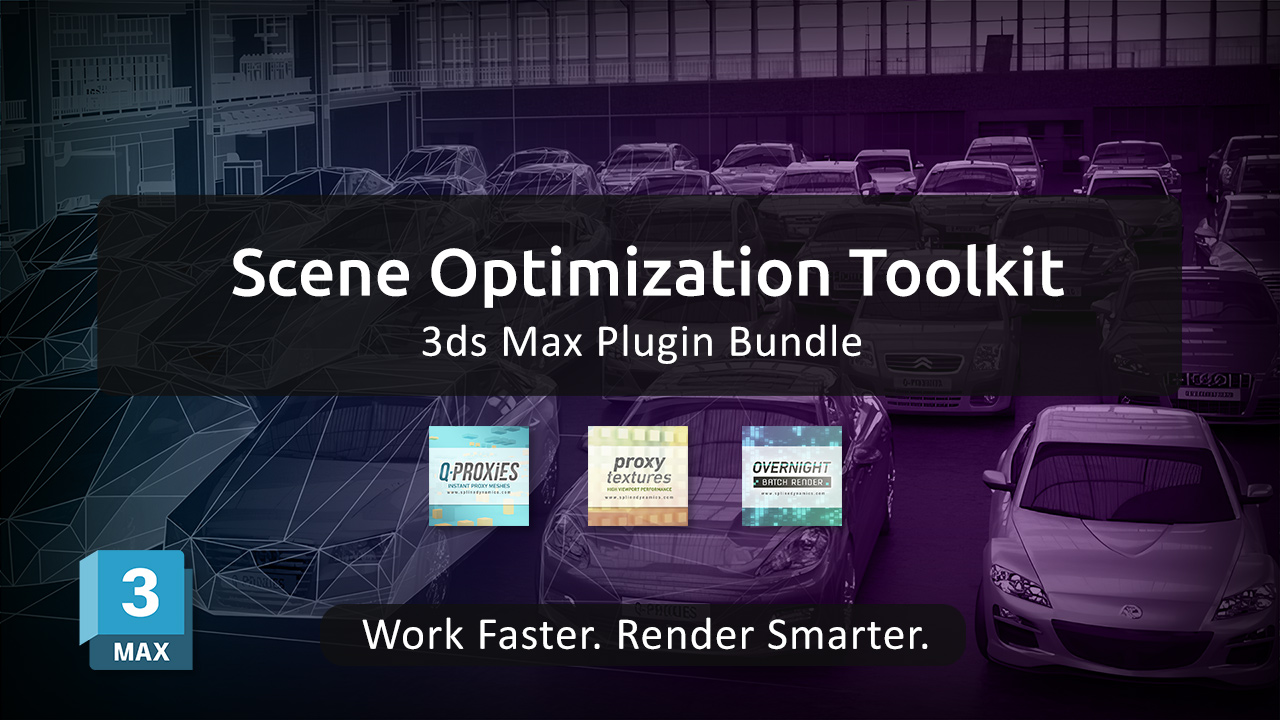
Handle Heavy Scenes Without Slowdowns or Interruptions
Get 3 powerful 3ds Max plugins in one package and take control of scene performance — from dense geometry and high-resolution textures to long rendering queues.
Whether you’re dealing with millions of polygons, oversized textures, or multiple scenes waiting to be rendered, this toolkit helps you keep everything responsive and under control — while preserving full-quality output at render time.
Save $33 — 30% off the individual prices.
Lifetime licenses · 2 computers · 3ds Max 2015 and higher
Already own Overnight Batch Render? Get an extra $20 off when upgrading to the toolkit. Contact us for your coupon.
What’s included
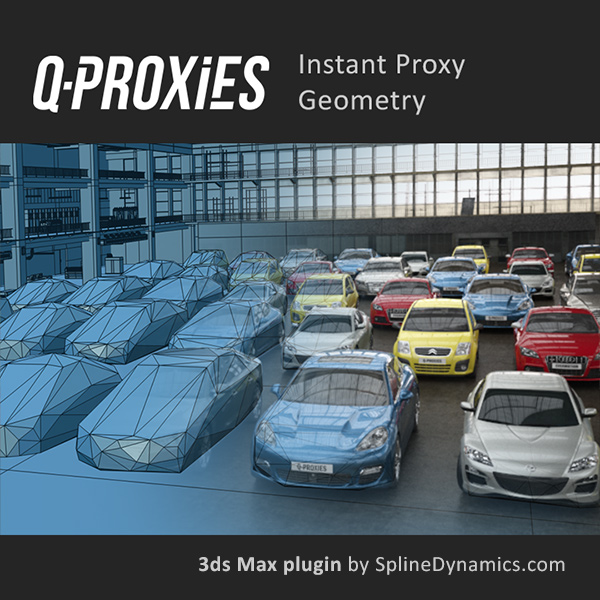
Q-Proxies
Generate and manage renderer-independent proxy geometry to keep your scene responsive while working on heavy scenes.

Proxy Textures
Create low-resolution versions of your textures to reduce memory usage and improve viewport performance.
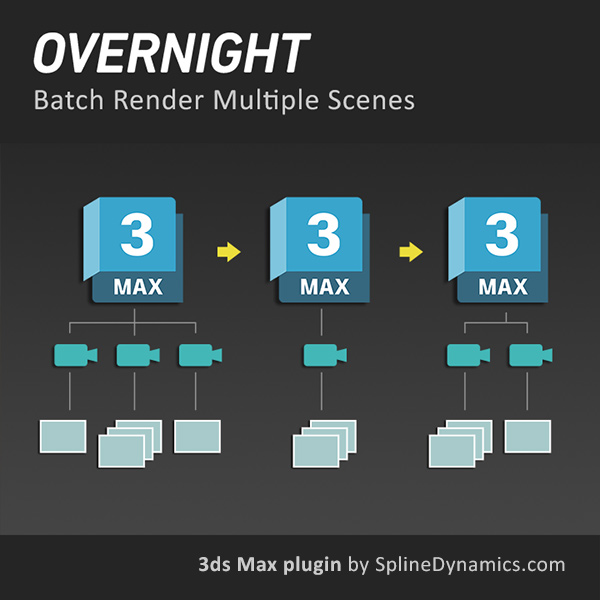
Overnight Batch Render
Queue multiple scenes, cameras, or states and render them automatically in sequence.
Already own Overnight Batch Render? Get an extra $20 off for existing users. Contact us for your coupon.
A complete optimization pipeline, not just a collection of tools
Each plugin targets a different performance bottleneck in 3ds Max. Together, they cover the three main sources of slowdowns:
1. Reduce geometry load — Use Q-Proxies to replace dense meshes with lightweight proxy objects. Work comfortably in scenes with thousands of high-poly assets, including instanced geometry and animated rigs.
2. Reduce memory usage — Use Proxy Textures to downscale large maps while working. Avoid viewport lag and memory saturation caused by high-resolution textures, especially in large environments.
3. Eliminate rendering downtime — Use Overnight Batch Render to process multiple scenes, cameras, or states in sequence. Set everything up once and let your machine handle the rest.
Who is this toolkit for?
This bundle is the right choice if you regularly work with any of the following in 3ds Max:
- Scenes with high polygon counts or dense geometry
- Large environments with thousands of assets
- Projects with heavy texture usage and high RAM consumption
- Files that become slow, unstable, or difficult to navigate
- Multiple scenes or cameras that need to be rendered efficiently
- Work that requires balancing performance and visual quality
It is ideal for professionals in Architectural Visualization, Product Visualization, Game Art, VFX, and any production scenario involving complex scenes.
What our users say
✔️ Rafael Lopez (verified owner – Q-Proxies)
“Great plugin, it gave me the ease to convert much of the 3d elements into proxies to navigate my scene in 3ds Max with ease.”
✔️ Claudio F. (verified owner – Proxy Textures)
“Brilliant plugin for any situation where you need to make your complex scene lighter and more manageable in a simple and fast way!”
✔️ Seth B. (verified owner – Overnight Batch Render)
“Such an amazing script. I have 4-10 renders to do a night, all on different files. Being able to use this has saved me soooooooo much time!
The best part is I can keep all the renders on different files for faster renders in general, instead of cramming them all in one file.”
Save $33 — 30% off the individual prices.
Lifetime licenses · 2 computers · 3ds Max 2015 and higher
Already own Overnight Batch Render? Get an extra $20 off when upgrading to the toolkit. Contact us for your coupon.
Starting from imported CAD or BIM data? See the ArchViz Production Toolkit.
Related topics: 3ds max scene optimization, reduce lag 3ds max, proxy geometry 3ds max, optimize viewport performance, memory optimization 3ds max, texture optimization 3ds max, batch render 3ds max, render queue 3ds max, heavy scenes 3ds max, high poly scenes 3ds max, proxy workflow 3ds max, rendering automation 3ds max, 3ds max productivity tools