
Description
Your renders are done. Now the client wants to walk through the project.
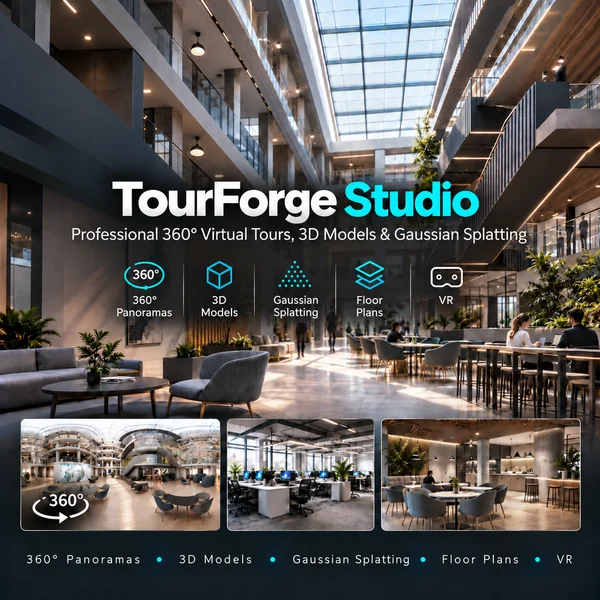
TourForge Studio turns your 360° panoramas into a multi-scene tour with navigation hotspots and transitions, and lets you bring 3D models (GLB, glTF, OBJ) and Gaussian Splats (PLY, .splat) into the same presentation. The result opens in the browser, on desktop or mobile, and in VR on supported WebXR devices.
What you can add to a tour
- Multi-scene 360° tours with navigation hotspots, transitions and starting views
- 3D models and Gaussian Splats viewable in the browser
- Point-to-point measurements with scene-unit scaling
- Floor plans and maps, with viewing direction and field-of-view indicators per scene
- Text, images, logos and external links on hotspots
- Ambient and spatial audio
- Your own branding: skins, colours, logos and toolbar
Your tour, your hosting
Export the finished tour as HTML or a web ZIP and host it on your own site, or on services like Netlify, Cloudflare Pages or Firebase Hosting. TourForge-hosted cloud publishing is available separately, by subscription.
Who it’s for
- ArchViz artists who want to deliver an interactive presentation along with the stills
- Studios presenting real estate, interiors or exhibition projects to clients
- Anyone working with drone captures, scans or Gaussian Splats who needs a simple way to share them
Requirements
- Runs in a modern desktop browser; Google Chrome or Microsoft Edge recommended
- The one-time Desktop licence covers local authoring and export; cloud hosting and storage are sold separately
- Works with your 3ds Max output through 360° renders and GLB/glTF/OBJ exports (it is not a 3ds Max plugin)
- Free 7-day trial available on the seller’s site
This is an external product, property of Jamie Cardoso. You will be directed to the seller’s website.


Reviews
There are no reviews yet