
Description
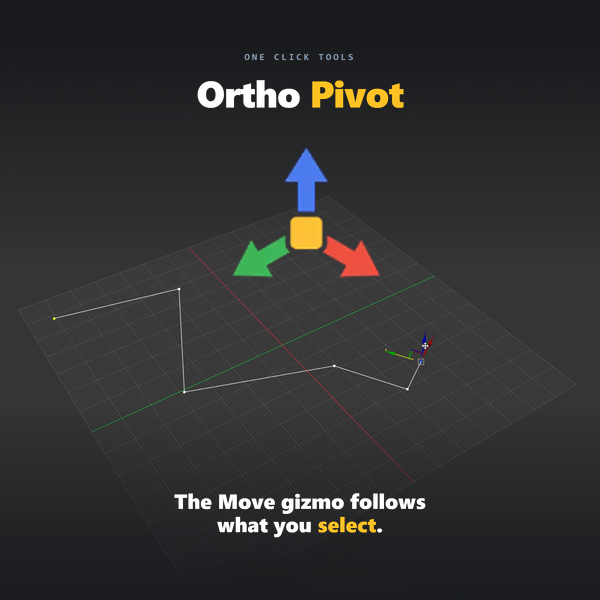
3ds Max’s default Move gizmo uses world axes, which rarely line up with the geometry you’re actually trying to move. Ortho Pivot fixes this at the source: turned on once, it reads your selection and orients the Move gizmo to that selection’s own axes, automatically.
It handles every selection type — full objects, faces, edges, vertices, elements and splines — plus cameras, lights, helpers and dummies on their local axes. On a face, Z becomes the surface normal. On an edge, the gizmo aligns along the edge with the pivot at its midpoint (click again to flip to the neighboring face). On a spline, it follows the segment direction, or extends straight out from an end knot.
A less common but genuinely useful capability: it also aligns at the sub-object level of modifier gizmos (UVW Map, Bend, Taper, Twist, Stretch, Squeeze, Ripple, Wave, FFD, Symmetry, Slice, Displace), which is what makes 3ds Max’s built-in Align tool usable at that level for the first time.
Axis detection runs in milliseconds, including on heavy CAD imports. Critically, the tool never touches your object’s actual pivot — it only drives the Working Pivot, so disabling it restores your scene exactly as it was.
Who it’s for: Any 3ds Max user doing precision modeling, alignment, or working frequently with angled or irregular geometry — architects, archviz artists, product visualization, and technical modeling generally. It’s renderer-agnostic since it operates on geometry and transforms, not materials.
Requirements: 3ds Max 2021 or higher.


Reviews
There are no reviews yet