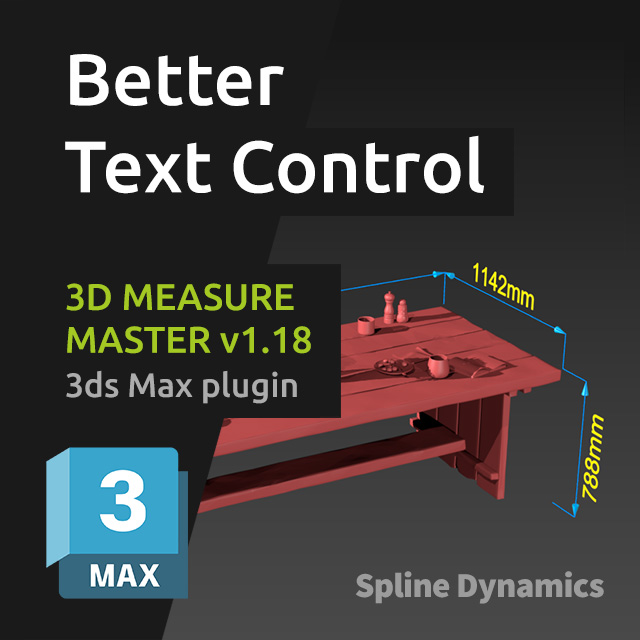
We’re happy to release 3D Measure Master v1.18, bringing several improvements focused on flexibility and workflow efficiency.
This update is largely driven by user feedback, addressing real production needs and expanding control over snapping and text handling.
What’s new
- New snapping options: Pivot and Midpoint
The new Pivot snapping mode is especially useful when working with helpers and dummies, allowing precise measurements even on objects without geometry. - Independent color control for texts
Measurement values and annotation texts can now be colored independently from the main spline and end markers, using a dedicated color picker in the general settings. - Per-measurement text orientation controls
Each measurement object now includes new text controls:- Rotate 90: rotates the text in 90° increments along the spline
- Flip Vertically: flips the text upside down (180°)
As always, this update is free for existing users.
Thanks to everyone who shared feedback and helped shape these improvements.
Learn More about 3D Measure Master

Hello,
This script could be really useful for me if we had the ability to edit the text. For example, if the measurement is 2421 mm, round the number to 2420 mm