
RandoMixer is a powerful 3dsMax plugin to automatically generate multiple variants of your scene, model or character and manage them within a collection of states.
Moreover, it’s an unrivaled tool to randomize transforms and materials, swap objects around, scatter them, create combinations between different sets of elements, automatically switch active lights and cameras, and a lot more!
Launching Promo 30% off! Use coupon code: rmxlaunch
Watch the video trailer and learn more about it here: more info

Here’s a great summary of our best 3dsMax plugins, done by InspirationTuts.

Check out our new plugin Scatter Tools!
Scatter Tools is a powerful 3dsMax plugin to rearrange, randomize and redistribute the objects in your scene in a very simple and intuitive way.
Swap them around, apply random transforms and quickly scatter them wherever you need.
Launching Promo 30% off! Use coupon code: scatter30
Watch the video trailer and read all the info about it here: more info

Black Friday! ⭐️ 3dsMax plugins 30% OFF! 🔥
November 25 to 30 | Coupon code: black30 👈
https://www.splinedynamics.com/shop/
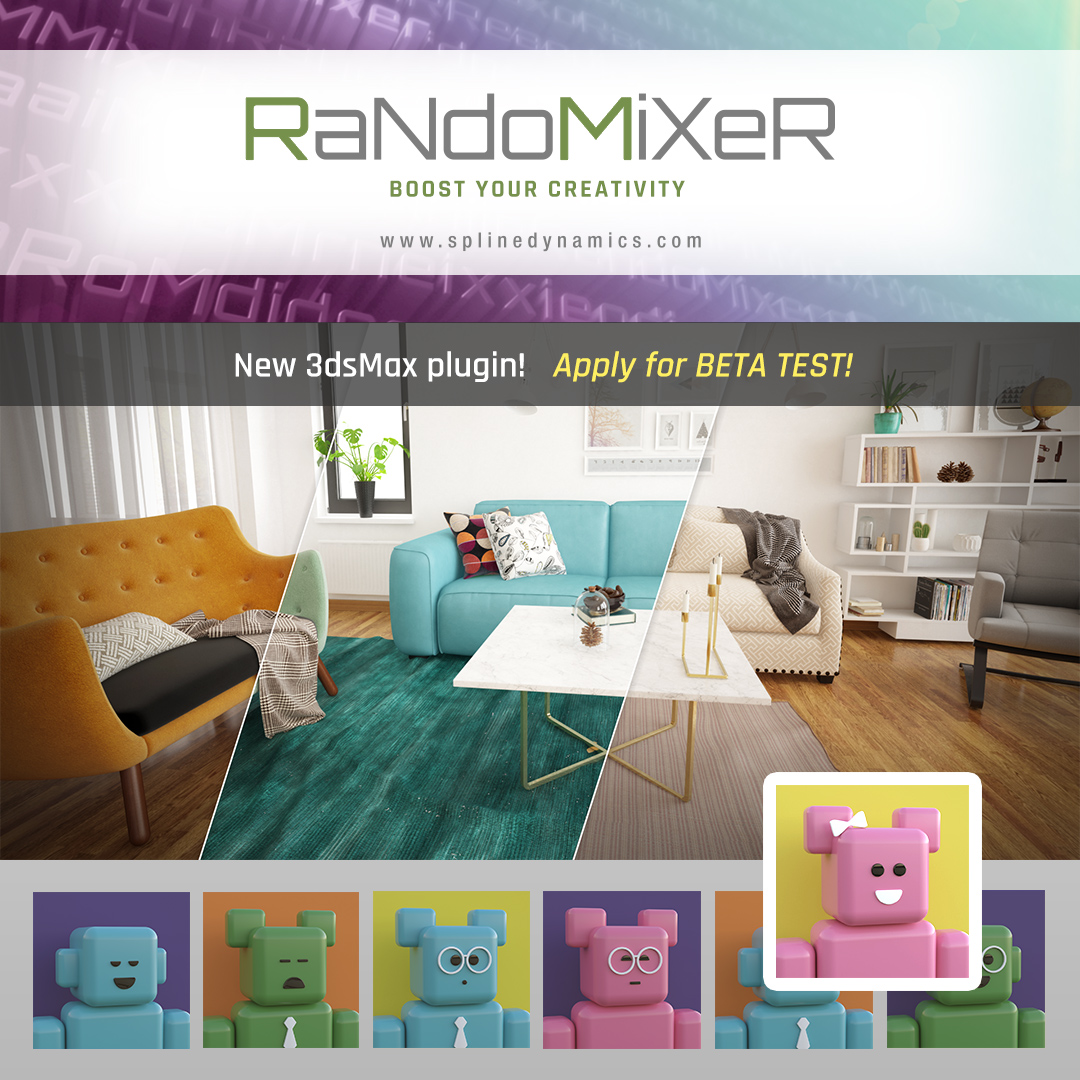
RandoMixer is a powerful 3dsMax plugin to automatically generate multiple variants of your scene, model or character and manage them within a collection of states.
Moreover, it’s an unrivaled tool to randomize transforms and materials, swap objects around, scatter them, create combinations between different sets of elements, automatically switch active lights and cameras, and a lot more!
We are currently beta-testing the product. If you want to participate and get a free license for 1 year, check out here all the info and fill in the form at the end of the page:
https://www.splinedynamics.com/randomixer-apply-for-beta-test/
